


 Über
Über
 Bedingungen
 Datenschutz
 Advertisment
 DMCA
DMCA
 Gmaps
Gmaps
 Rewards
 Refunds
 Entwickler
Mesmerizing Orbital Motion in Geometry Nodes: A Step-by-Step Guide
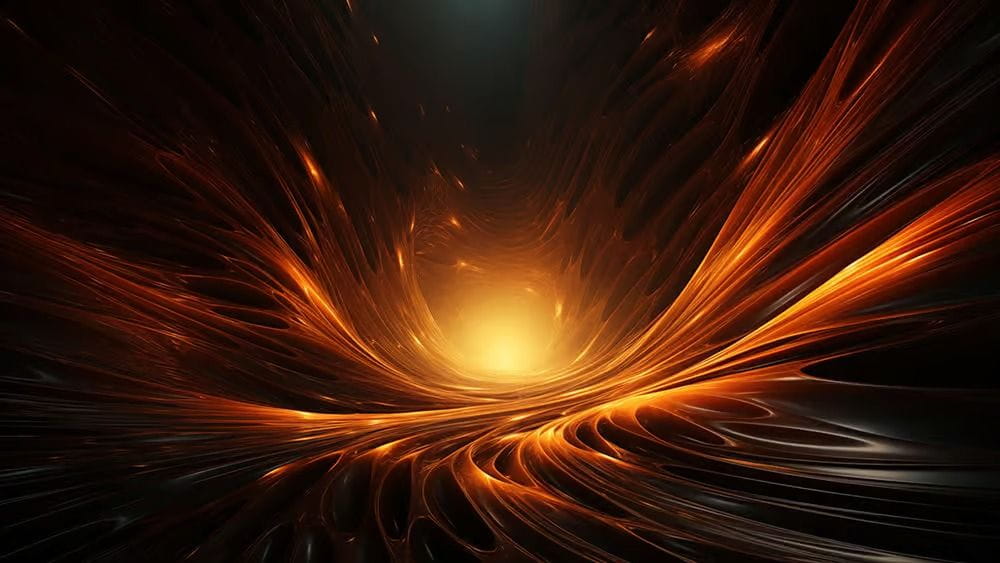
geometry nodes, orbital motion, Blender, 3D animation, TiFi Design, animation tutorial, visual effects, digital art
## Introduction to Orbital Motion in Geometry Nodes
In the world of 3D animation, creating captivating visuals is an essential skill for artists and designers alike. One of the most intriguing effects you can achieve is mesmerizing orbital motion, which can add depth and dynamism to your projects. With the advent of Geometry Nodes in Blender, animators now have a powerful tool at their disposal to create such stunning effects with relative ease. In this article, we will explore how to harness the capabilities of Geometry Nodes to create mesmerizing orbital motion animations, inspired by insights from TiFi Design.
## Understanding Geometry Nodes
Before diving into the specifics of orbital motion, it’s pivotal to understand what Geometry Nodes are and why they are revolutionary for 3D modeling and animation. Introduced in Blender 2.92, Geometry Nodes allow you to manipulate and generate geometry in a non-destructive manner. This node-based system provides artists with the flexibility to create complex structures and animations without the constraints of traditional modeling techniques.
### The Beauty of Node-Based Animation
Node-based systems like Geometry Nodes offer a visual way of designing animations, where you can connect various nodes to create intricate effects. Each node performs a specific function, whether it’s transforming geometry, applying materials, or generating motion. This flexibility not only streamlines the workflow but also allows for real-time adjustments, making it an ideal approach for creating dynamic animations like orbital motion.
## Creating Mesmerizing Orbital Motion
Now that we have a solid understanding of Geometry Nodes, let’s dive into the step-by-step process of creating mesmerizing orbital motion.
### Step 1: Setting Up Your Scene
To begin, open Blender and create a new project. Start by adding a basic object, such as a sphere or a cube, that will act as the center of your orbital motion. This object will serve as the anchor point around which other elements will move.
### Step 2: Adding Geometry Nodes
With your object selected, navigate to the Modifiers panel and click on “Add Modifier.” Choose “Geometry Nodes” from the list. This action will create a new node tree where you can define how your object behaves.
### Step 3: Building the Node Tree
Now comes the exciting part—building the node tree to create the orbital motion. Here’s a basic outline of the nodes you will need:
- **Object Info Node**: This node will allow you to reference the object you want to animate.
- **Transform Node**: Use this to manipulate the position of the objects in your scene.
- **Math Node**: This node will help create the circular path through the use of trigonometric functions.
- **Instance on Points Node**: This will allow you to duplicate objects on the defined path.
### Step 4: Defining the Orbital Path
To create the orbital effect, you need to set up the path on which your objects will move. By connecting the Math node to the Transform node, you can utilize sine and cosine functions to define a circular motion. Adjust parameters to control the speed and radius of the orbit. The key is to play around with the values until you achieve the desired motion.
### Step 5: Adding Multiple Objects
If you wish to create a more complex orbital effect, consider adding multiple objects. You can achieve this by using the “Instance on Points” node to duplicate your center object across the circular path you’ve established. This will create an impressive visual impact, especially when combined with variations in size and rotation for each instance.
### Step 6: Finalizing Your Animation
Once your orbital motion is set up, it’s time to add the finishing touches. You may want to introduce materials and lighting to enhance the visual appeal of your animation. Consider using shaders to give depth and texture to your objects. Additionally, experimenting with camera angles and movements can significantly enhance the final presentation of your animation.
## Applications of Orbital Motion in Design
Creating mesmerizing orbital motion animations using Geometry Nodes can be applied across various fields, including:
- **Digital Art**: Artists can use these animations to craft stunning visual pieces for galleries or online showcases.
- **Game Development**: Developers can implement such animations to enhance user experiences in games, creating captivating environments and interactive elements.
- **Advertising and Marketing**: Businesses can leverage these animations in promotional videos, making their products stand out in a crowded market.
## Conclusion: Embracing Creativity with Geometry Nodes
Creating mesmerizing orbital motion using Geometry Nodes in Blender is not only an exciting process but also opens up a world of possibilities for animators and designers. By mastering these techniques, artists can elevate their work, captivating audiences with dynamic and engaging visuals. Whether you’re a seasoned professional or just starting in the realm of 3D animation, embracing Geometry Nodes will undoubtedly enhance your creative toolkit. So dive in, experiment, and let your imagination soar as you explore the mesmerizing world of orbital motion!
Source: https://www.blendernation.com/2026/03/01/mesmerizing-orbital-motion-in-geometry-nodes/
Gesponsert
Gesponsert

Gesponsert
Gesponsert
Gesponsert
Gesponsert
© 2026 Virtuala FansOnly
 Deutsch
Deutsch
 Croatian
 English
 Arabic
 French
 Spanish
 Portuguese
 Turkish
 Dutch
Dutch
 Italiano
 Russian
 Romaian
 Portuguese (Brazil)
 Greek
Greek
 Chech
Chech
 Afganistan