

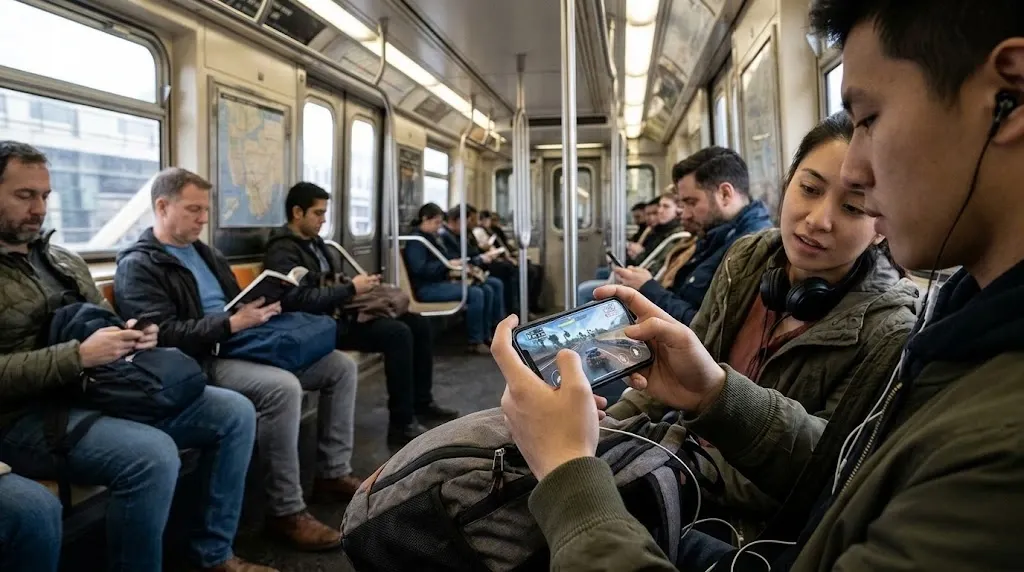

Many users wonder why this happens and whether it is normal. In most cases, phone heating occurs because gaming requires significant processing power, battery energy, and graphics performance. Understanding the reasons can help users enjoy Mobile App Gaming while keeping their devices at a comfortable operating temperature.
How Does Mobile App Gaming Generate Heat?
Smartphones contain several components that work together when running a game. The processor, graphics processing unit (GPU), battery, display, and network hardware all consume energy during gameplay.
When you launch a demanding game, the processor handles game instructions, while the GPU produces visual effects and animations. Both components work harder than they would during simple activities such as reading messages or browsing websites.
This increased workload generates heat. The longer the phone performs demanding tasks, the more noticeable the temperature increase can become.
Why Do Graphics Make Phones Hot?
Graphics are one of the main reasons gaming increases smartphone temperature. Modern mobile games often include high-resolution textures, realistic lighting, detailed environments, and complex animations.
These features require additional GPU resources. When a game runs at high graphics settings, the GPU needs to process more information to maintain smooth gameplay.
For example, playing a game with maximum graphics settings can generate more heat than playing the same game with reduced visual quality.
Users can reduce this workload by lowering graphics settings, disabling unnecessary visual effects, and selecting a suitable frame rate.
Does Long Gaming Time Increase Phone Temperature?
Yes, extended gaming sessions can contribute to phone heating. During continuous gameplay, the processor and GPU remain active for long periods.
Unlike short activities, lengthy gaming sessions give the device less time to return to its normal temperature. Heat can gradually build up, especially when playing demanding games.
Taking regular breaks allows the phone to cool naturally. It also helps users avoid extended screen exposure and maintain healthier gaming habits.
How Does Battery Usage Affect Phone Heating?
Mobile games consume considerable battery power because multiple smartphone components operate simultaneously.
The battery supplies energy to the processor, display, graphics system, and other hardware. Higher energy consumption can contribute to heat production inside the device.
Battery temperature may increase further when users play games while charging. During charging, the battery receives energy while the game continues consuming power.
For better temperature management, avoid demanding gaming sessions while charging whenever possible.
Can High Screen Brightness Make Phones Hot?
Screen brightness can also affect smartphone temperature. A brighter display generally requires more power, particularly when users play games for extended periods.
Gaming often involves colorful visuals, fast movement, and continuous screen activity. When brightness is set to maximum, the display consumes additional energy and contributes to overall heat production.
Reducing brightness to a comfortable level can help limit unnecessary power consumption.
Automatic brightness settings can also adjust the display according to surrounding lighting conditions.
Does Internet Connectivity Cause Phone Heating?
Online games require continuous communication with game servers. Your smartphone uses Wi-Fi or mobile data to send and receive information during multiplayer sessions.
Network activity consumes energy, and weak connectivity can sometimes increase power usage because the phone works harder to maintain a connection.
Playing online games in areas with poor network coverage may contribute to additional heating.
Using a stable Wi-Fi connection when available can help reduce unnecessary network activity and provide a smoother gaming experience.
Can Background Apps Increase Gaming Temperature?
Background applications can consume processing power, memory, and battery resources even when they are not visible.
For example, music streaming apps, automatic downloads, social media applications, and other active services may continue running while a game is open.
When several applications compete for system resources, the phone may experience additional workload and generate more heat.
Closing unnecessary applications before gaming can help improve performance and reduce background activity.
How Can Users Prevent Phones From Overheating During Gaming?
Keeping a smartphone cool does not require complicated adjustments. A few practical habits can make a difference:
-
Reduce graphics settings: Choose balanced visual settings instead of maximum graphics.
-
Lower screen brightness: Use a comfortable brightness level.
-
Take regular breaks: Give your device time to cool between gaming sessions.
-
Avoid gaming while charging: This can reduce additional battery-related heating.
-
Close unnecessary apps: Limit background processing during gameplay.
-
Use a stable internet connection: Avoid unnecessary network activity.
-
Keep the phone uncovered: Avoid playing with the device under pillows or inside enclosed spaces.
These simple steps can make Mobile App Gaming pk365 more comfortable while helping maintain consistent device performance.
When Should You Be Concerned About Phone Heating?
Some temperature increase during gaming is normal. However, excessive heating should not be ignored.
If your phone becomes unusually hot, displays a temperature warning, reduces performance, or stops charging, close the game and allow the device to cool in a safe, shaded place.
Do not put a hot phone in a refrigerator or freezer because sudden temperature changes and condensation can damage its components.
If overheating happens frequently, even during simple activities, consider checking battery health, updating your software, or contacting the device manufacturer.
Conclusion
Mobile App Gaming makes phones hot because demanding games require significant processing power, graphics performance, battery energy, and network activity. Screen brightness, background applications, and extended gaming sessions can also contribute to increased temperatures.
Fortunately, users can manage most gaming-related heating through practical adjustments. Reducing graphics quality, taking breaks, maintaining a stable internet connection, and avoiding gaming while charging can help.
By understanding how smartphones generate heat, players can enjoy their favorite games while protecting device performance and maintaining a better gaming experience.