

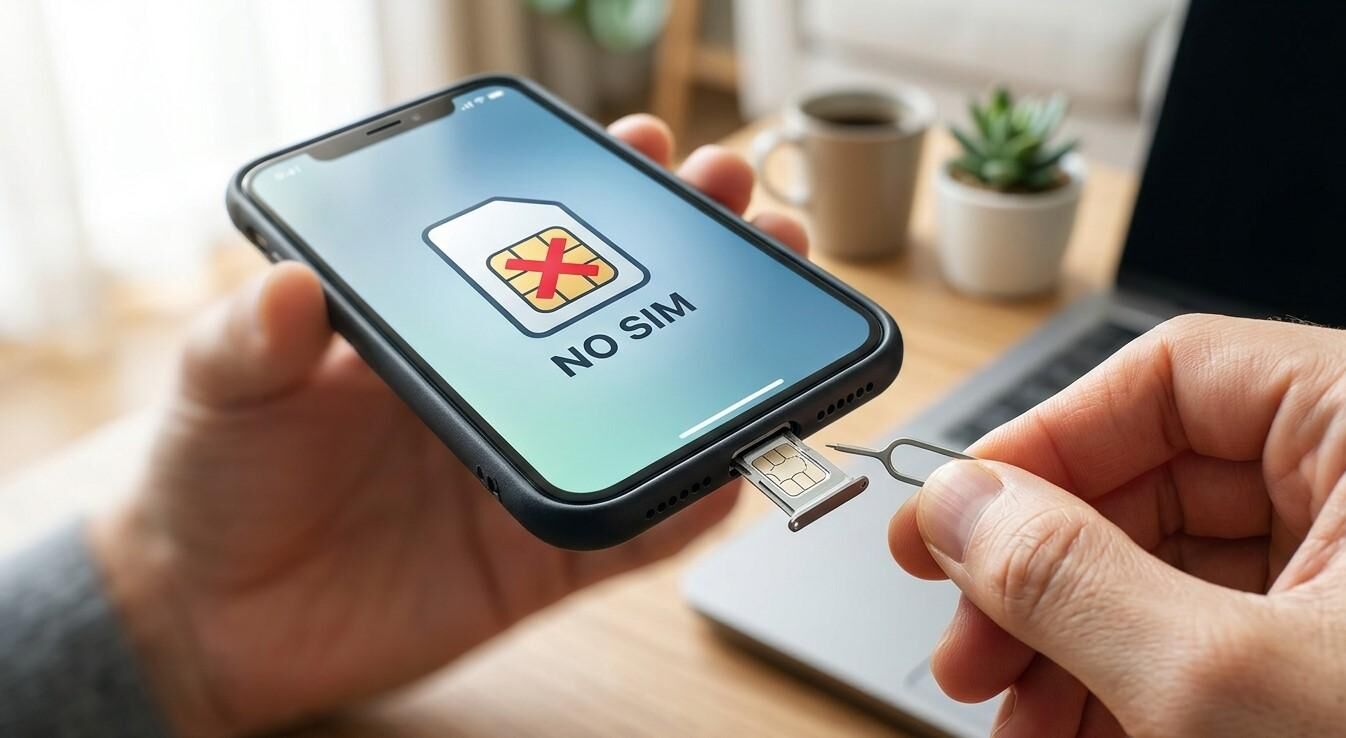
Why Is My Phone Not Detecting the SIM Card? Common Causes and Solutions

A smartphone that cannot detect a SIM card can prevent you from making calls, sending text messages, or using mobile data. You may see messages such as “No SIM,” “SIM Not Detected,” or “Invalid SIM” on your screen. This issue can result from a misplaced SIM card, damaged SIM tray, incorrect network settings, or an internal hardware problem. If basic troubleshooting does not solve the issue, Mobile Phone Repair Albany can be a resource to explore for professional phone repair assistance.
Table of Contents
-
Common Reasons Your Phone Cannot Detect a SIM Card
-
How to Fix a Phone That Is Not Detecting a SIM
-
When to Seek Professional Phone Repair
-
Tips to Prevent SIM Card Problems
-
Frequently Asked Questions
1. Common Reasons Your Phone Cannot Detect a SIM Card
Understanding the possible cause can help you choose the right solution.
Incorrectly Inserted SIM Card
If the SIM card is not positioned correctly in its tray, your smartphone may fail to recognize it. Even a slightly misplaced card can interrupt the connection.
Dirty or Damaged SIM Card
Dust, scratches, or damage to the SIM card's metal contacts can prevent proper communication between the card and your phone.
Damaged SIM Tray or Slot
A bent SIM tray or damaged internal SIM reader may stop your device from detecting an otherwise working SIM card.
Temporary Software Glitches
Operating system bugs or temporary network errors can sometimes interfere with SIM recognition.
Carrier or Network Problems
Your SIM may be inactive, suspended, incorrectly activated, or affected by a carrier outage. Network compatibility issues can also prevent service.
Outdated Phone Software
Older software may contain bugs that affect network connectivity and SIM functionality.
2. How to Fix a Phone That Is Not Detecting a SIM
Try these simple troubleshooting steps before arranging a repair.
Restart Your Smartphone
Turn off your phone, wait a few seconds, and turn it back on. Restarting can clear temporary software errors.
Remove and Reinsert the SIM Card
Power off your phone before removing the SIM. Check that the card is correctly positioned and carefully place it back into the tray.
Check the SIM Card for Damage
Look for scratches, cracks, or visible dirt on the metal contacts. Avoid using liquids or abrasive materials to clean the card.
Turn Airplane Mode On and Off
Enable Airplane Mode for approximately 20 seconds, then disable it. This can refresh your phone's network connection.
Check Network Settings
Open your mobile network settings and enable automatic network selection. Also check that your preferred network mode is compatible with your carrier.
Test the SIM in Another Phone
If possible, insert the SIM into another compatible, unlocked phone. If it still is not detected, contact your carrier about replacement or activation.
Update Your Phone's Software
Check for available operating system updates. Installing compatible updates may resolve software-related connectivity problems.
Reset Network Settings
If other methods fail, consider resetting network settings. This may erase saved Wi-Fi passwords, Bluetooth pairings, and network configurations.
3. When to Seek Professional Phone Repair
If your phone cannot detect multiple working SIM cards, the problem may involve its SIM tray, card reader, or internal components.
Consider professional inspection if:
-
The SIM card works in another phone but not yours.
-
Your phone repeatedly displays “No SIM.”
-
The SIM tray is bent or physically damaged.
-
The device has been dropped or exposed to moisture.
-
Software troubleshooting does not resolve the issue.
If you are searching for Mobile Phone Repair Albany NY, visit mobilephonerepairalbany.com to explore repair information and available service options.
4. Tips to Prevent SIM Card Problems
Follow these habits to protect your SIM card and smartphone:
-
Insert and remove SIM cards carefully.
-
Avoid bending or scratching the SIM card.
-
Keep the SIM tray clean and dry.
-
Use a compatible SIM card for your device.
-
Install official software updates.
-
Protect your phone from drops and moisture.
Taking these precautions can help reduce SIM-related problems and maintain reliable network connectivity.
5. Frequently Asked Questions
Why does my phone suddenly say No SIM?
Possible causes include a misplaced or damaged SIM card, software glitches, carrier issues, or a faulty SIM reader.
Can a damaged SIM card be repaired?
Physical damage usually requires replacing the SIM card. Contact your mobile carrier for a replacement.
Why does my SIM work in another phone but not mine?
Your phone may have a damaged SIM tray, faulty card reader, or software-related issue.
Will restarting my phone fix the SIM problem?
It can help if a temporary software or network glitch is responsible, but it will not repair physical damage.
Should I reset my phone if it cannot detect the SIM?
A factory reset is usually not the first step. Try simpler troubleshooting methods and back up your data before considering a reset.
Conclusion
A phone that cannot detect a SIM card may have a simple insertion problem, damaged SIM contacts, incorrect network settings, or an internal hardware fault. Start with basic troubleshooting, such as restarting your phone, checking the SIM tray, and testing the card in another device. If the issue continues, professional inspection may help identify the cause. Mobile Phone Repair Albany, mobilephonerepairalbany.com, and Mobile Phone Repair Albany NY are useful search terms when exploring local smartphone repair information.
Call to Action
Is your smartphone showing a “No SIM” message or refusing to connect to your network? Visit mobilephonerepairalbany.com to explore available repair options. Get your device checked and take the next step toward restoring reliable mobile connectivity.