

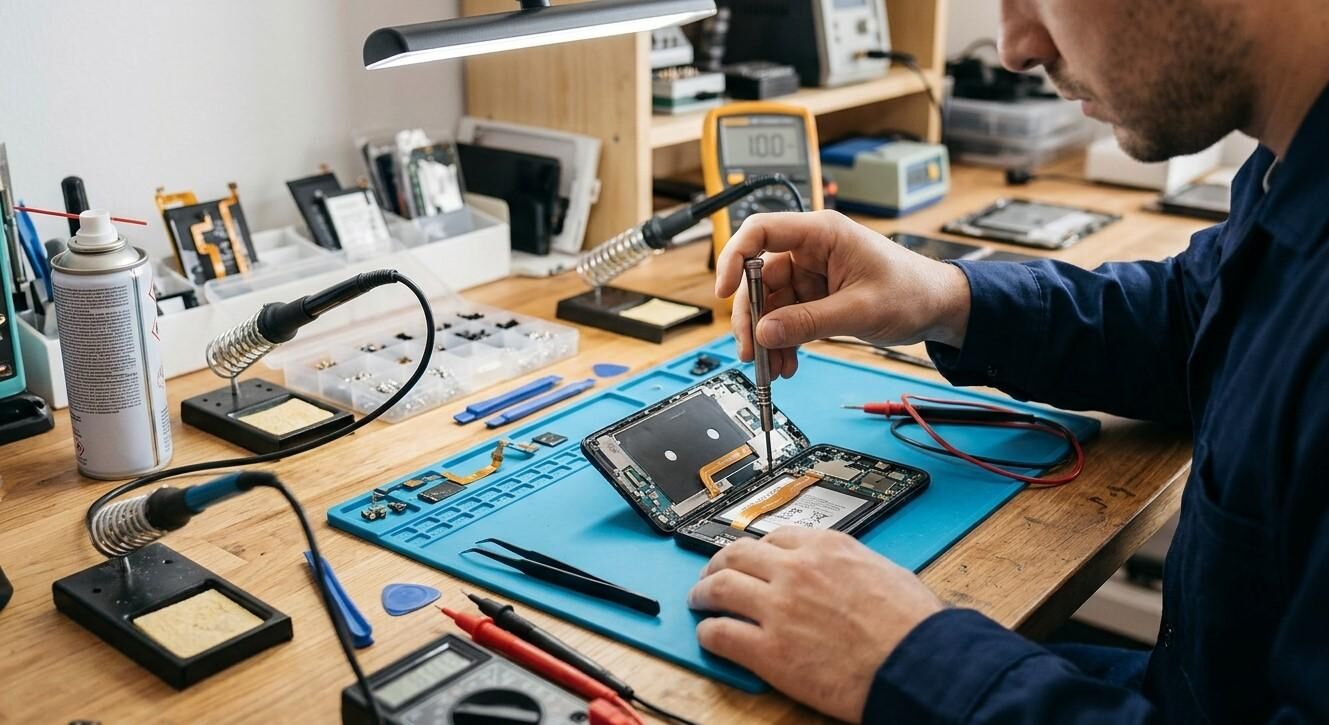

A smartphone that suddenly stops turning on or charging can disrupt your daily routine. Whether you need your phone for work, communication, or entertainment, an unresponsive device can be frustrating. The issue may be caused by a drained battery, faulty charger, damaged charging port, or software malfunction. Nanotech Mobile, nanotechmobile.ca, and Nanotech Mobile Regina are useful resources when looking for smartphone troubleshooting information and professional repair options in Regina.
In this article, we explore common reasons why smartphones fail to turn on or charge and explain practical solutions you can try before arranging professional repair.
Table of Contents
-
Common Reasons Your Smartphone Won't Turn On or Charge
-
Effective Ways to Fix the Problem
-
When Do You Need Professional Repair?
-
Frequently Asked Questions
-
Conclusion and Call to Action
1. Common Reasons Your Smartphone Won't Turn On or Charge
Completely Drained Battery
When a smartphone battery loses all its charge, the device may not respond immediately after connecting it to a charger. It may need several minutes before showing the charging symbol.
Faulty Charging Cable or Adapter
A damaged cable, defective adapter, or incompatible charger can interrupt the power supply. Sometimes the problem is with the charging accessory rather than the phone.
Dirty or Damaged Charging Port
Dust, lint, and debris can accumulate inside the charging port and prevent a proper connection. A loose or damaged port can also stop the battery from receiving power.
Ageing or Faulty Battery
Smartphone batteries gradually lose their ability to hold a charge. A severely worn or damaged battery may prevent the device from starting properly.
Software Malfunction
A frozen operating system or temporary software glitch can make your phone appear switched off even when it still has power.
Internal Hardware Damage
Physical impacts, liquid exposure, or electrical faults can damage internal components responsible for powering and charging the smartphone.
2. Effective Ways to Fix the Problem
Try these troubleshooting steps before considering a repair.
Check Your Charger and Power Source
Test your phone with a compatible cable and adapter that work with another device. Also try a different wall outlet to rule out power supply problems.
Allow the Phone to Charge
If the battery is completely drained, connect the device to a reliable charger and wait approximately 20–30 minutes. Then check whether the charging indicator appears.
Inspect the Charging Port
Look for visible dirt or debris around the charging port. Never insert sharp or metallic objects into it. If the port appears damaged or debris is difficult to remove, seek professional assistance.
Perform a Force Restart
A force restart can resolve temporary software freezes. The button combination varies by smartphone manufacturer and model, so follow the device manufacturer's instructions.
Check for Overheating or Moisture
If your phone becomes unusually hot or has been exposed to liquid, stop charging it. Allowing a wet or damaged device to continue charging can create additional risks. Seek professional guidance.
3. When Do You Need Professional Repair?
If your phone remains unresponsive after basic troubleshooting, the problem may involve the battery, charging port, power-management circuitry, or another internal component.
Professional inspection is recommended when:
-
The phone does not respond to compatible chargers.
-
The charging port feels loose or damaged.
-
The battery drains unusually quickly.
-
The device shuts down unexpectedly.
-
The phone stopped working after a drop or liquid exposure.
-
The battery appears swollen.
A qualified technician can inspect the device, identify the underlying fault, and recommend suitable repair options. Avoid opening the phone yourself, particularly if the battery may be damaged.
4. Frequently Asked Questions
Why won't my smartphone turn on even when connected to a charger?
Possible causes include a completely drained battery, faulty charging equipment, a damaged port, software problems, or internal hardware failure.
How long should I charge a completely dead phone?
Try connecting it to a reliable charger for approximately 20–30 minutes before attempting to turn it on.
Can a damaged charging port prevent a phone from starting?
Yes. If the battery is empty and the charging port cannot deliver power, the device may remain switched off.
Can a software problem make my phone appear dead?
Yes. A frozen operating system can prevent the screen from responding. A force restart may resolve some temporary software issues.
Is it worth repairing a phone that won't charge?
It depends on the device's condition and the cause of the problem. A professional diagnosis can help you compare repair options with replacement costs.
5. Conclusion and Call to Action
A smartphone that won't turn on or charge may have a drained battery, faulty charging accessories, a damaged charging port, software glitches, or internal hardware problems. Checking your charger, allowing the battery time to recharge, and performing a force restart can resolve some common issues. However, persistent problems require proper diagnosis to avoid further damage.
For smartphone troubleshooting and repair information in Regina, consider Nanotech Mobile. Visit nanotechmobile.ca to explore available services and learn more about Nanotech Mobile Regina. If your phone remains unresponsive, contact a repair professional to discuss the most suitable repair solution.